
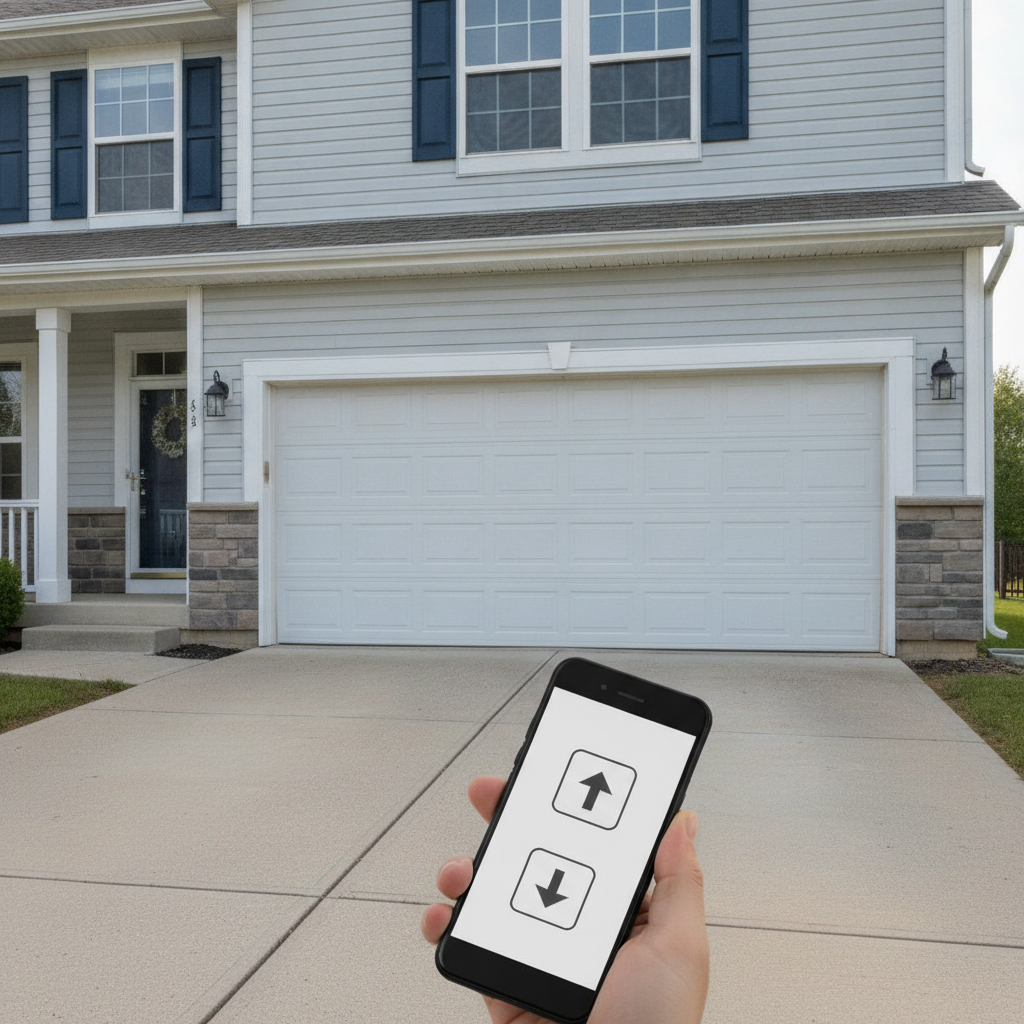
Smart garage door openers connect your garage door opener to an app, usually through your home Wi-Fi network. Once connected, you can check whether the door is open or closed, receive activity alerts, share temporary access, and control the door from your phone. The opener still uses the same basic motor, rail, safety sensors, and door hardware, but it adds connected controls that make everyday use easier.
For many Indianapolis homeowners, the biggest benefit is peace of mind. If you leave home and wonder whether the garage door closed, the app can often tell you. Smart features work best when the opener, door, sensors, Wi-Fi signal, and phone app are all set up correctly.
What Makes Smart Garage Door Openers Different?
A traditional garage door opener responds to wall buttons, remotes, and keypads. A smart opener adds internet-connected control. That connection may be built into a new opener, or it may come from an add-on smart garage controller installed with a compatible existing opener.
Most smart systems include a few core parts:
- Opener motor unit: The ceiling-mounted unit that moves the door through a chain, belt, screw, or direct-drive system.
- Wi-Fi or hub connection: The component that connects the opener to the internet.
- Door position sensor: A sensor that reports whether the door is open, closed, or moving.
- Mobile app: The app used for remote control, alerts, schedules, and user access.
- Safety sensors: Photo-eye sensors near the floor that help stop the door from closing on an obstruction.
The smart function does not replace the opener’s safety system. It also does not fix worn springs, damaged tracks, weak rollers, or an unbalanced door. The garage door itself still needs to be in good working condition.
How App Control and Remote Operation Work
After setup, the app communicates with the opener through the manufacturer’s cloud service or a connected home platform. When you tap the button to open or close the door, the app sends a command through the internet to the opener or smart controller. The opener then runs the motor, just as it would if you pressed the wall button.
Most apps show the door’s current status, such as “open,” “closed,” or “opening.” Many systems also show recent activity, including when the door was last used. This is helpful when several family members use the same garage entrance.
Because the system depends on communication between your phone, the internet, and the opener, there may be a short delay. If the app often shows the wrong status or commands fail, the issue may involve Wi-Fi strength, sensor alignment, app settings, or compatibility.
Use remote control with common sense. If you cannot see the door in person, make sure children, pets, vehicles, and stored items are clear before closing it remotely. Safety sensors help reduce risk, but they are not a substitute for a properly maintained door and careful use.
Alerts, Access Sharing, and Daily Convenience
Smart garage door openers are useful because they provide information, not just control. Alerts can tell you when the door opens, closes, stays open too long, or is operated at an unusual time. Some homeowners use alerts to confirm that children arrived home, a service provider entered, or the door closed after leaving.
Common smart opener features include:
- Open and close alerts: Notifications when the door changes position.
- Open-too-long reminders: Alerts if the garage door remains open beyond a set time.
- Activity history: A log of recent door use.
- Schedules: Automatic closing at a selected time, if supported by the system.
- Access sharing: Digital permission for family, guests, renters, or trusted service providers.
Access sharing is often safer than handing out spare remotes or keypad codes that rarely get changed. You can usually create a user, limit access, or remove access later. If your system allows unique user profiles, use them so you can see who used the door and when.
Wi-Fi, Power, and Compatibility Requirements
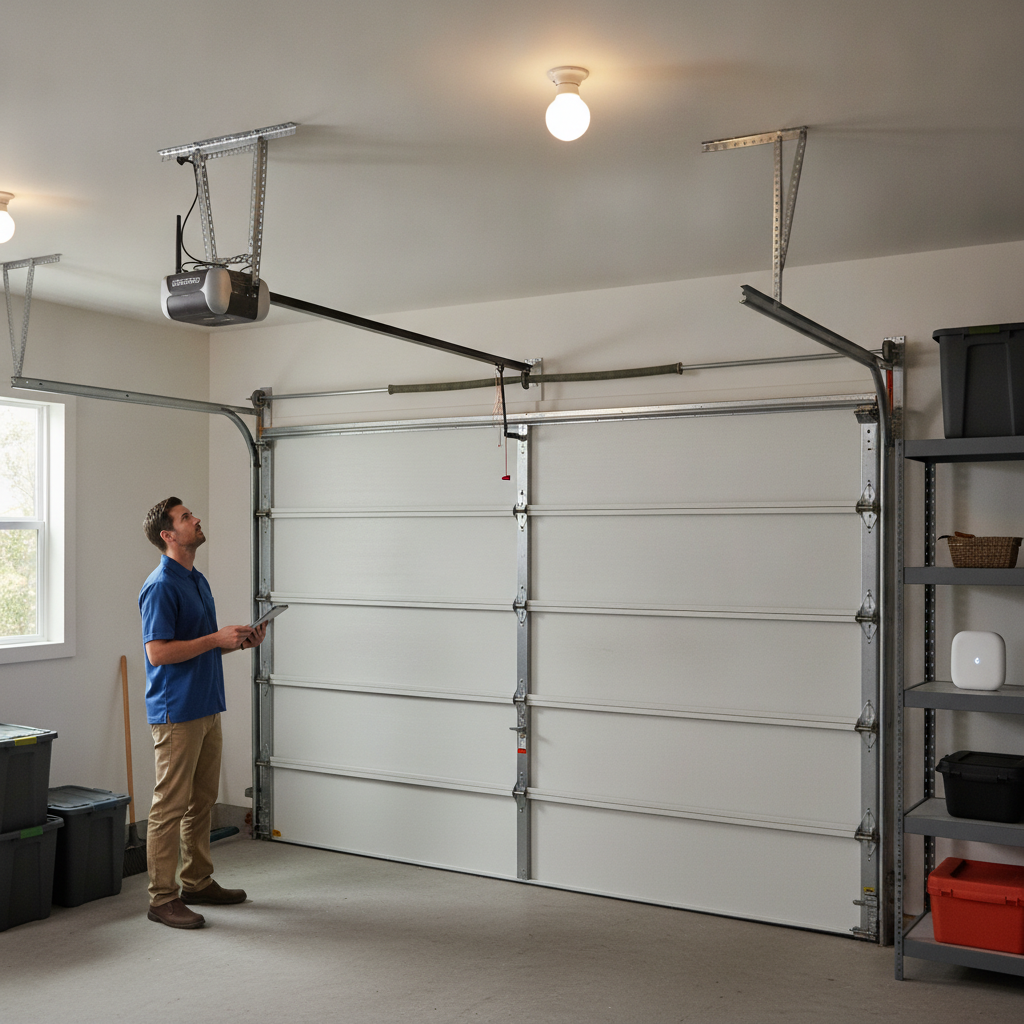
Most smart openers need a stable 2.4 GHz Wi-Fi signal in the garage. This band often reaches farther than 5 GHz, which can matter because garages may have thick walls, metal doors, appliances, and electrical panels that weaken the signal. If your phone barely connects to Wi-Fi while standing near the opener, the opener may struggle too.
Before installing or upgrading to smart controls, consider these requirements:
- Wi-Fi coverage: The signal should be reliable where the opener is installed.
- Power supply: The opener needs a proper outlet and consistent power.
- Smartphone access: Setup usually requires a compatible phone and app account.
- Opener age: Older openers may not support every smart controller.
- Safety sensor condition: Misaligned or damaged sensors can prevent normal closing.
- Door balance: A poorly balanced door can strain the opener, smart or not.
Power interruptions also affect smart garage door systems. Some openers include or support battery backup, while others do not. If outages are a concern during Indiana storms, it may help to understand whether garage door opener battery backup makes sense for your setup.
Compatibility is another important point. Some smart controllers connect to the same terminals used by a wall button. Others require specific opener brands, manufacturing dates, or security protocols. If an opener already has performance problems, adding smart control will not solve them. For example, an opener that makes noise but will not operate may need diagnosis, as explained in this guide to an opener that hums but does not move.
Security and Privacy Considerations
A smart garage door opener is only as secure as the account, network, and device settings behind it. Reputable systems use encrypted communication and password-protected accounts. Homeowners should still take basic steps to reduce risk.
Use a strong password that is not shared with other accounts. Turn on two-factor authentication if the app offers it. Keep the opener app updated because updates may include security improvements and bug fixes.
Your home Wi-Fi network matters too. Use a secure router password and modern Wi-Fi encryption. Avoid leaving the router on a default password. If your router supports a guest network or separate smart-device network, that can help limit access to your main devices.
Privacy settings deserve attention. Some apps connect with voice assistants, cameras, delivery services, or smart home platforms. These integrations can be convenient, but they may add account permissions. Review connected services from time to time and remove anything you no longer use.
Finally, protect physical access. A smart app does not replace habits such as closing the door, securing the interior garage entry door, and removing access for former tenants, guests, or employees.
Installation and Setup: What Homeowners Can Check Safely
Some homeowners can set up a built-in smart opener through the manufacturer’s app. Others prefer professional installation, especially when replacing an opener or adding smart controls to an older system. The safest choice depends on the opener, door condition, wiring, ceiling support, and your comfort level.
Homeowners can safely make several basic observations before calling for help:
- Check whether Wi-Fi reaches the garage with a steady signal.
- Confirm the opener has power and the outlet is working.
- Look for loose, damaged, or blocked safety sensors near the floor.
- Review the opener model number and manufacturer information.
- Check whether the door moves smoothly during normal operation.
- Listen for grinding, popping, or straining sounds during travel.
Do not try to repair high-tension parts during a smart opener installation. Springs, cables, bottom brackets, and some door hardware can be dangerous. If the door is crooked, hanging, off track, or unusually heavy, stop operating it. Keep people and pets away, avoid standing under the door, and contact a qualified garage door technician.
A technician can also check whether the opener is strong enough for the door, whether the travel limits are set correctly, and whether the safety reversal system works as intended. A smart opener should not be installed on a door that is already unsafe or poorly balanced.
Frequently Asked Questions
Can I make my existing garage door opener smart?
Often, yes. Many existing openers can work with an add-on smart garage controller. Compatibility depends on the opener model, age, wiring, security technology, and sensor setup.
Will a smart garage door opener work if the Wi-Fi is down?
The wall button and standard remote may still work, but app control and alerts usually need internet access. Exact behavior depends on the opener and smart system.
Are smart garage door openers safe?
They can be safe when properly installed, secured, and used with working safety sensors. Use strong passwords, manage shared users, and keep the door system maintained.
When to Get Help With a Smart Garage Door Opener
Smart garage door features are helpful, but they depend on a reliable opener and a safe door system. If the app will not connect, the door status is inaccurate, the opener strains, or the door does not move smoothly, a professional inspection can identify whether the issue is electrical, mechanical, Wi-Fi related, or compatibility related.
Ultimate Garage Doors LLC helps homeowners and property owners in Indianapolis and Central Indiana with garage door opener repair, replacement, installation, and related door problems. If you are considering a smart opener or your current system is not working correctly, request a free garage door estimate for professional guidance.