
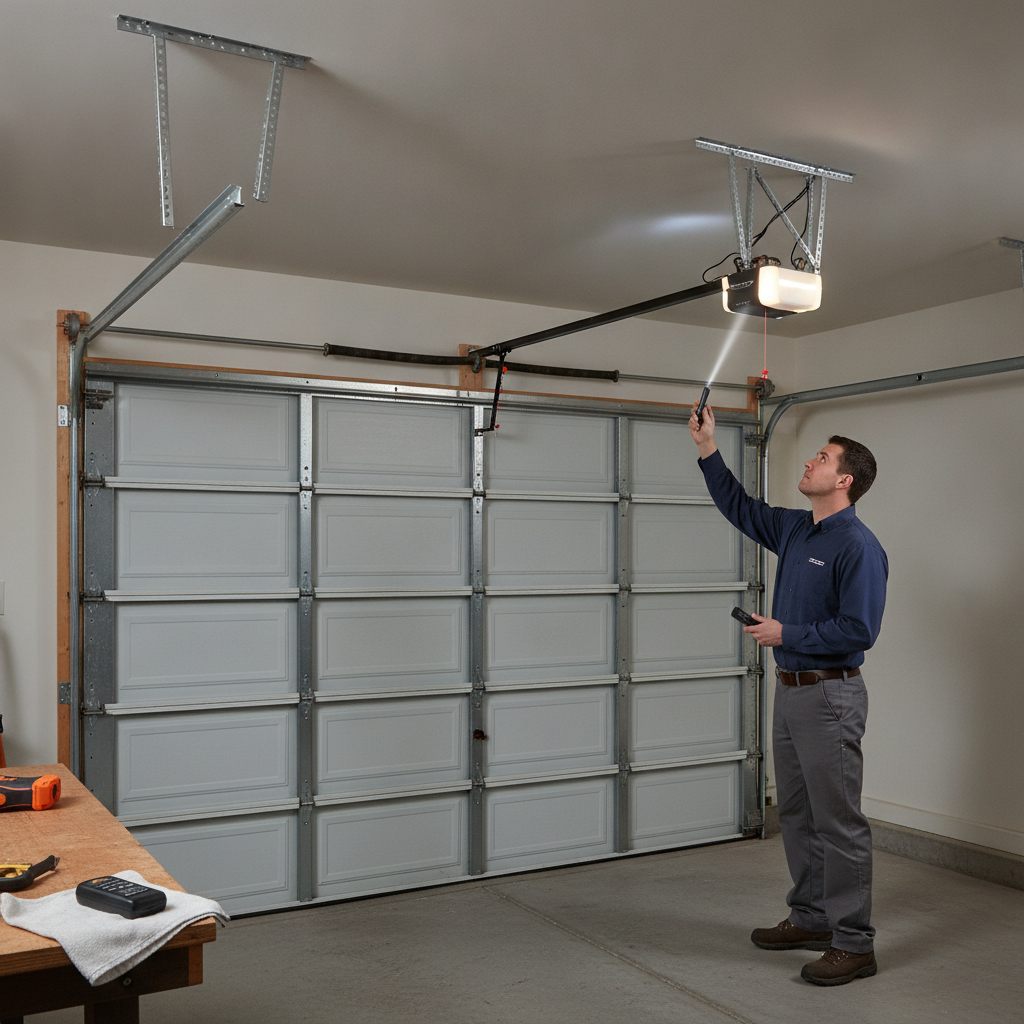
If your garage door opener loses programming, the problem may involve power interruptions, a weak remote battery, wall control settings, signal interference, or a failing logic board. In many cases, the opener has not actually erased its memory. Instead, something is preventing the remote, keypad, or wall control from communicating correctly.
The good news is that there are several safe checks homeowners can make before scheduling service. However, if the opener repeatedly forgets remotes, loses travel settings, or behaves unpredictably after reprogramming, a professional inspection is usually the best next step.
Why a Garage Door Opener Loses Programming
Most modern garage door openers store remote and keypad programming in electronic memory. A normal power outage should not erase that memory on a healthy unit. Therefore, if programming seems to disappear often, the opener may have another problem.
Common explanations include:
- Power interruptions or surges: Outages, flickering power, and electrical surges can disrupt sensitive opener electronics.
- Remote or keypad battery problems: A weak battery can make a remote seem unprogrammed even when the opener memory is fine.
- Lock or vacation mode: Some wall controls can disable remote operation without erasing programming.
- Logic board faults: The logic board is the opener’s main control circuit. If it fails, it may not store or recognize programmed devices reliably.
- Signal interference: Nearby electronics, LED bulbs, or radio-frequency interference can reduce remote range or prevent operation.
- Accidental memory clearing: Holding the learn button too long on many openers can erase remote programming.
Because several faults can create similar symptoms, it helps to separate a true programming loss from a communication problem.
Power Interruptions and Electrical Surges
Power issues are one of the most common reasons homeowners suspect lost opener programming. After a storm or outage in Central Indiana, a garage door opener may act differently, refuse remote commands, or need to be reset.
A brief outage alone usually should not erase remote codes. However, voltage spikes and repeated flickering can damage electronics inside the opener. A surge can affect the receiver, memory, or logic board. As a result, the opener may respond inconsistently or stop recognizing remotes.
Safe homeowner checks include:
- Confirm the opener is plugged in securely.
- Check whether the outlet has power.
- Look for a tripped breaker or GFCI outlet.
- Watch for flashing lights or error codes on the opener.
- Test the wall button to see whether the motor responds.
If the wall button works but the remotes do not, the issue may be with the remote, receiver, lock setting, or programming. If nothing works and power is present, the opener may need professional diagnosis.
Remote, Keypad, and Wall Control Issues
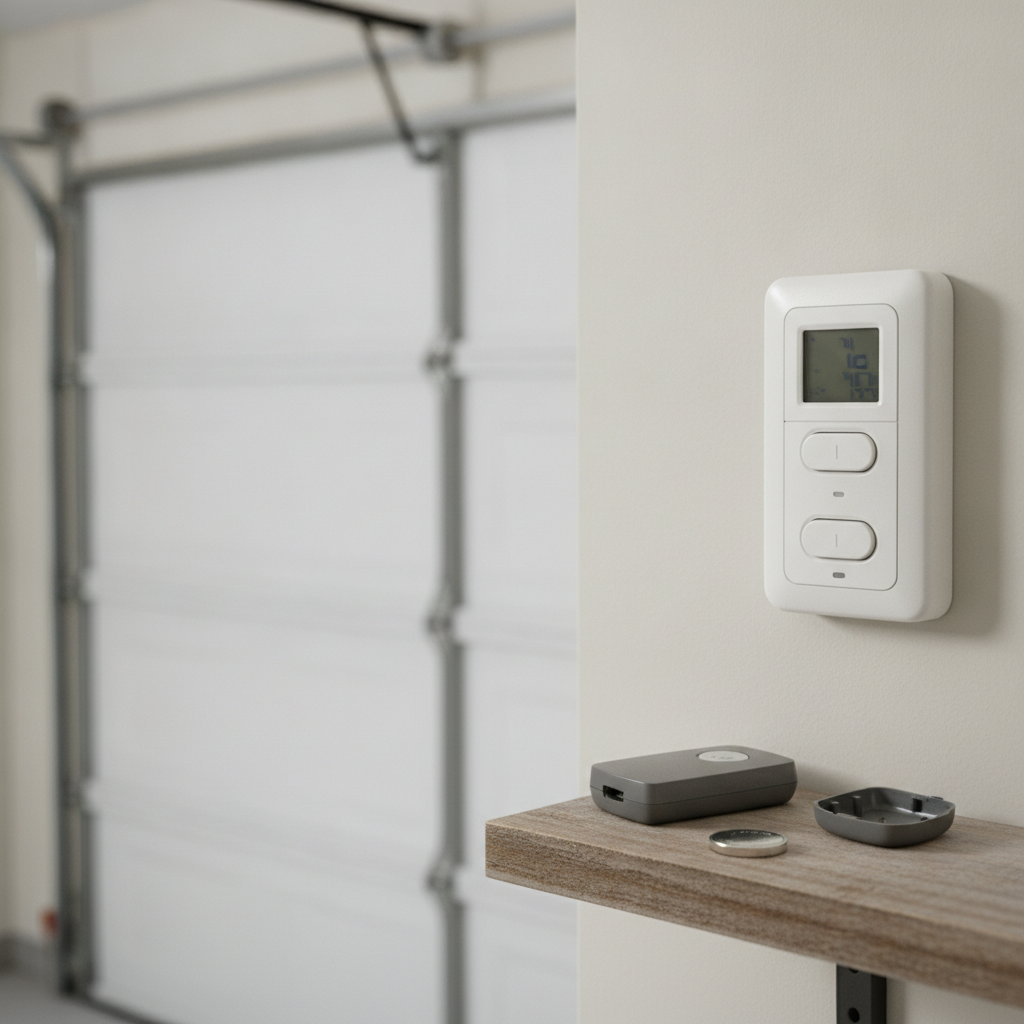
Remote problems often look like lost programming. A weak battery may still light the remote’s indicator, but it may not send a strong enough signal to reach the opener. Also, a dropped remote can have a damaged internal contact or stuck button.
Keypads can create similar confusion. Some wireless keypads lose function when the battery is low, when the battery terminals corrode, or when the PIN is entered incorrectly too many times. Meanwhile, extreme cold can make weak batteries fail more quickly.
Wall controls can also stop remote operation. Many opener systems have a lock mode, sometimes called vacation mode. This feature disables handheld remotes for security while still allowing the wall button to operate the door. If someone activates that setting by mistake, it may seem like every remote was erased.
Before reprogramming everything, try these safe checks:
- Replace remote and keypad batteries with fresh batteries of the correct type.
- Inspect the remote buttons for sticking or damage.
- Stand closer to the opener and test the remote again.
- Check the wall control for a lock, vacation, or security button.
- Confirm the antenna wire on the opener is hanging down and not damaged.
If you are comparing options for newer controls, wireless access, and app-based features, our guide on how to make an opener smart explains common upgrade paths without replacing every part of the door system.
Logic Board Faults and Memory Problems
The logic board controls many opener functions, including remote recognition, motor commands, safety sensor communication, and light operation. If the logic board starts to fail, the opener may act normal one moment and then stop responding the next.
Possible signs of a logic board problem include:
- Remotes program successfully but stop working soon after.
- The opener forgets multiple remotes at the same time.
- Lights flash oddly or the opener behaves unpredictably.
- The wall button works intermittently.
- The unit loses settings after storms or power flickers.
- The learn button or indicator light does not respond as expected.
A faulty logic board is not always the only possible cause. For example, interference or a failing remote can mimic some of these symptoms. However, repeated programming loss after fresh batteries and proper setup often points toward an electronic fault.
Logic board replacement is sometimes possible, depending on opener age, model, parts availability, and condition. In other cases, replacing the opener may be more practical. A technician can test the system and explain which option makes sense.
Signal Interference and Modern Opener Features
Garage door openers use radio signals to communicate with remotes and keypads. If another device creates interference, the opener may not receive the remote signal reliably. This does not usually erase programming, but it can make the opener seem like it forgot the remote.
Common interference sources can include nearby electronics, certain LED light bulbs, battery chargers, security systems, or devices operating on similar frequencies. Even a recently installed bulb in the opener light socket can sometimes reduce remote range.
Smart garage door openers add another layer. App control, Wi-Fi setup, account permissions, and network changes can affect how the opener responds. If the wall button and remote work but the app does not, the problem may involve Wi-Fi or account settings instead of opener programming.
For homeowners considering connected garage access, our article on how smart openers work explains the relationship between the opener, Wi-Fi network, app, and remote operation.
Safe Troubleshooting Before Calling for Service
You can do several checks without opening the opener case or working on high-tension garage door parts. Keep the door area clear while testing, and do not stand under a moving or unstable door.
Start with the simplest possibilities:
- Test the wall control. If the wall button operates the opener, the motor and power supply may be working.
- Replace remote batteries. Use fresh batteries and make sure they face the correct direction.
- Check lock mode. Look for a lock or vacation feature on the wall console.
- Try a second remote. If one remote works and another does not, the problem may be limited to that remote.
- Move closer to the opener. Short range may suggest interference or a weak transmitter.
- Look for opener error lights. Flashing lights can help identify safety sensor, travel, or system faults.
- Review the owner’s manual. Different opener brands handle learn buttons, keypads, and memory clearing differently.
Avoid repeatedly pressing random button combinations. On many openers, holding the learn button for too long clears all remote memory. Also, do not remove the opener cover if you are uncomfortable around electrical components.
If the garage door is crooked, off track, stuck partly open, or physically damaged, stop using the opener. Opener troubleshooting will not solve a mechanical door problem, and forcing the motor can cause more damage.
Frequently Asked Questions
Can a power outage erase my garage door opener remote?
A normal outage usually should not erase remote programming on a healthy opener. If remote memory disappears after outages, the opener may have surge damage, a weak electronic component, or another fault.
Why does my keypad stop working but the remote still works?
The keypad may have a weak battery, worn buttons, incorrect PIN entry, or a communication issue. If the remote works normally, the opener itself may still be programmed correctly.
Should I keep reprogramming my opener if it keeps forgetting remotes?
Occasional reprogramming may be normal after a battery change or accidental memory clearing. However, repeated loss usually means the system needs diagnosis rather than more reprogramming.
When Professional Help Makes Sense
Professional service is appropriate when programming loss keeps returning, the opener behaves inconsistently, or you suspect a logic board problem. It is also wise to schedule service if the opener strains, the door does not move smoothly, or the system has been affected by a storm or power surge.
A trained technician can separate opener electronics from door balance, safety sensor, remote, keypad, and wiring issues. That matters because replacing a remote will not fix a failing receiver, and replacing an opener may not be necessary if the issue is a simple control setting.
If your garage door opener continues to lose programming or respond unpredictably, request professional garage door service from Ultimate Garage Doors LLC. We serve Indianapolis and surrounding Central Indiana with garage door opener repair, replacement, and inspection services where scheduling and circumstances permit.